Student Enrollment Verification Forms
Verification Form Instructions
Student Enrollment Verification Forms Now Available
The online Student Enrollment Verification Forms for Black Gold School Division are now open on thePowerSchool Parent Portal. Please complete your child’s form by Friday, September 25.
Completing this form promptly is critical for several reasons:
- Accurate Emergency Contacts & Call Order: It is essential that we have up-to-date contact information so we can reach you quickly in an emergency. Filling out this form also allows you to specify the exact order in which you would like parents and guardians to be called.
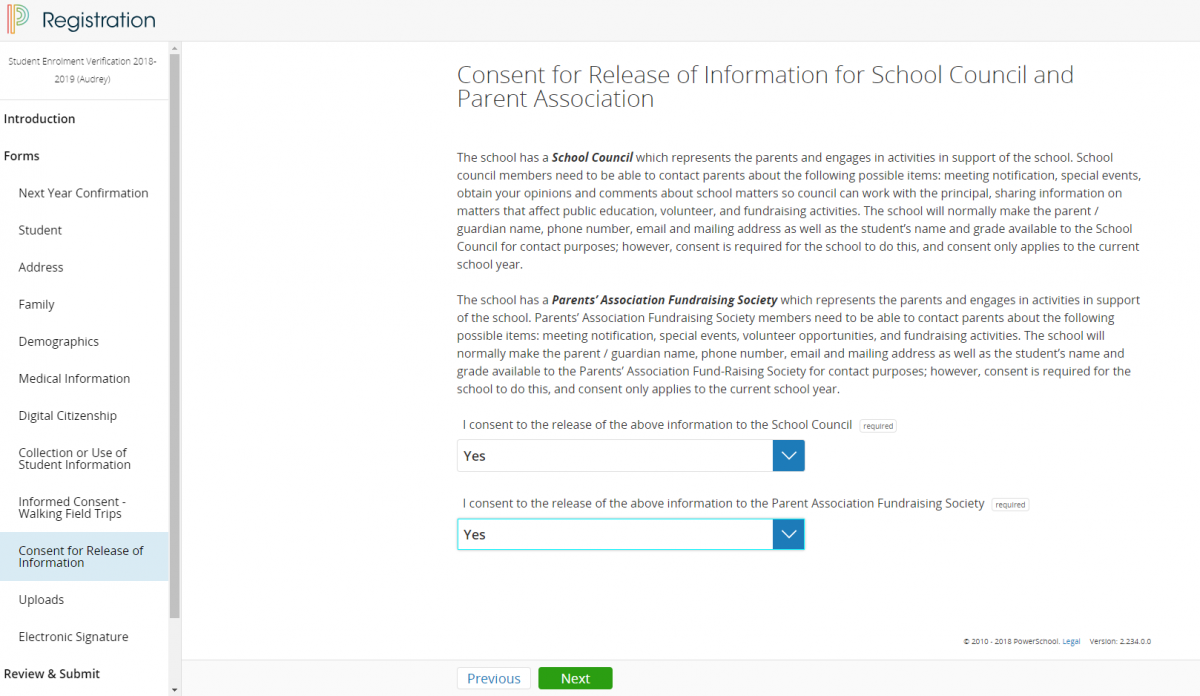
- Walking Field Trips & Terry Fox Walk: This form includes the walking field trip agreement. Completing it provides permission for your child to leave school grounds for neighborhood outings, including our upcoming Terry Fox Walk.
- Class Photos & Teacher Blogs: Teachers are excited to start sharing photos and updates on their classroom blogs! However, we cannot publish photos or recognize students in school materials until all Digital Citizenship and POPA (Protection of Personal Information) permissions are confirmed on this form.
If you need any assistance or do not have a PowerSchool account, please contact the school office at (780) 986-5991
Instructions:
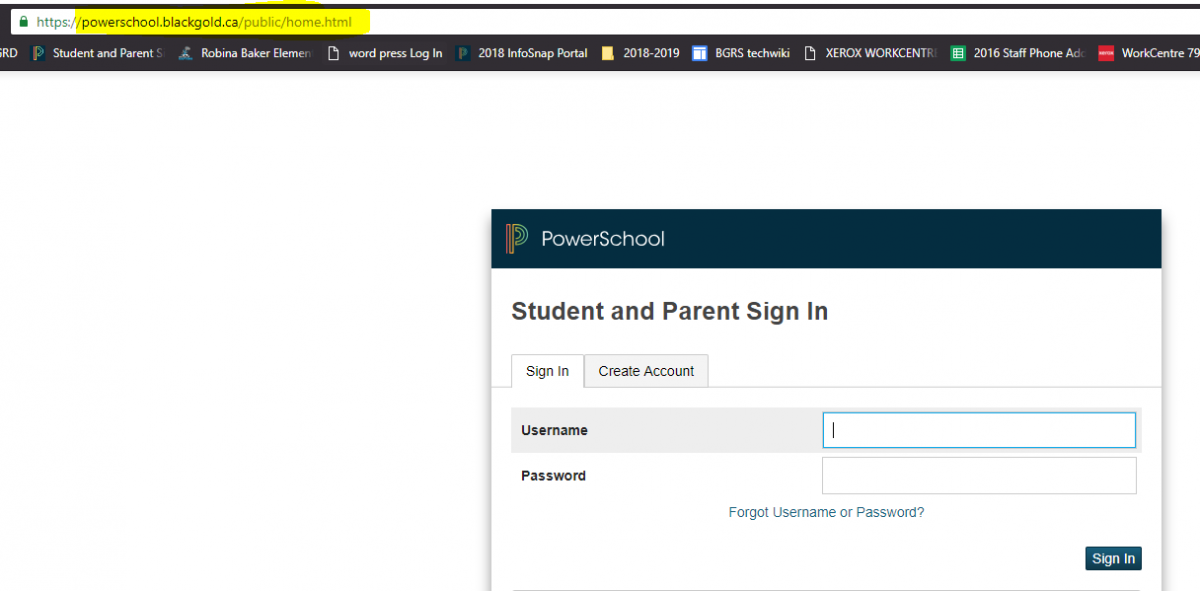
- Step 1: Visit https://powerschool.blackgold.ca/public
- Step 2: Login using your Parent Access Account.
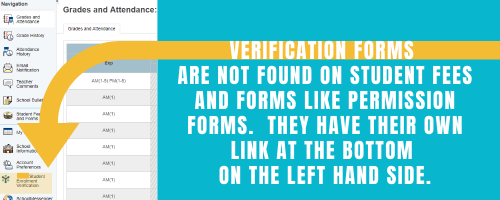
- Step 3: From the left-hand menu select “Student Enrollment Verification”.
- Step 4: Confirm the information is correct for each of your children registered with Black Gold School Division.
- Step 5: Repeat steps 1-4 for every one of your children registered within Black Gold School Division.
Frequently Asked Questions
What if I don't have a Parent Portal Account?
Please contact the school office.
I am having trouble completing the form.
Please contact the school office for help.
I don't have access to a computer
We have a computer at the school that you can use. Please contact the school office.
Do both parents need to complete the Student Enrollment Verification Form?
No, the form can only be completed by one parent. Whoever starts the form must complete it.
Can I use my phone to fill out the form?
Yes, however you must use an Internet browser to fill in the form. It's important to choose the desktop version. Forms are not available through the PowerSchool App.
I've completed the form, now what?
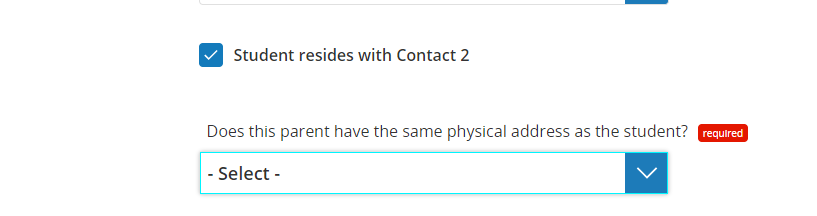
When you have finished entering your information, click "Submit". This will send all the information you've entered to your school. If you cannot click on this button, you will need to make sure that you have answered all required questions. Questions that you have forgotten or have a problem will be indicated by a red required label beside them, click the red number to be brought to t he question you need to review.
What if I need to make a change AFTER submitting the form?
Please contact the school office with the information to be changed. We can update it for you.
What if I have more than one student in the Division?
You will need to complete these forms for each of your registered students. Please return to powerschool.blackgold.ca to complete the form for each child.
What if I completed the 2026-2027 New Student Registration Form?
If you are new to the Division and your child started school before September 1st, 2026, we ask that you also complete the 2026 - 2027 Verification Form to ensure we have the most up-to-date contact information for the new school year. If you click on the Student Enrollment Verification link and you get an error, please contact the school office. We will be able to let you know whether you need to complete the Verification Form.
Why do I need to complete my child's medical information again?
It is important that the Division and your school has the most up to date medical information for your child each year. Please complete this section even if nothing has changed since the last school year.
Additional Instructions:
We hope these instructions will help you complete your verification forms. If you have any questions, please call the school office at 780-986-5991.
1 - Log on to PowerSchool If you haven't already bookmarked PowerSchool - do it now! You will be in PowerSchool many times throughout the year. |
|---|
2 - Click on Student Enrolment Verification On the left-hand side just above Student Messenger, click on Student Enrolment Verification. Begin Forms Make sure you enter your child's birthday in the MM/DD/YYYY format. Complete each section and click on the green NEXT button. |
|---|
Permission Forms
|
|---|
Review and Submit Review your info and make sure it is correct. Once you click your final NEXT, your form will either be complete, or it will let you know you have missed something. Look for any red. Often it is a simple fix by pulling down a YES from the pulldown. |
|---|